
Early Access

Refokal — Depth-of-Field Editor for Any Photo

CLICK. FOCUS. DONE.

A desktop app that understands the 3D shape of your photo. Click to focus and get real camera bokeh — on any image, old or new, phone or DSLR.

  • Any photo
  • Click to focus
  • Real-lens bokeh
  • Desktop · Linux now & Windows soon

Workflow

Three steps to a perfect focus

No masks to draw by hand, no layer stacks to manage. Refokal works out the 3D depth for you.

  1. 01

    Drop in any photo

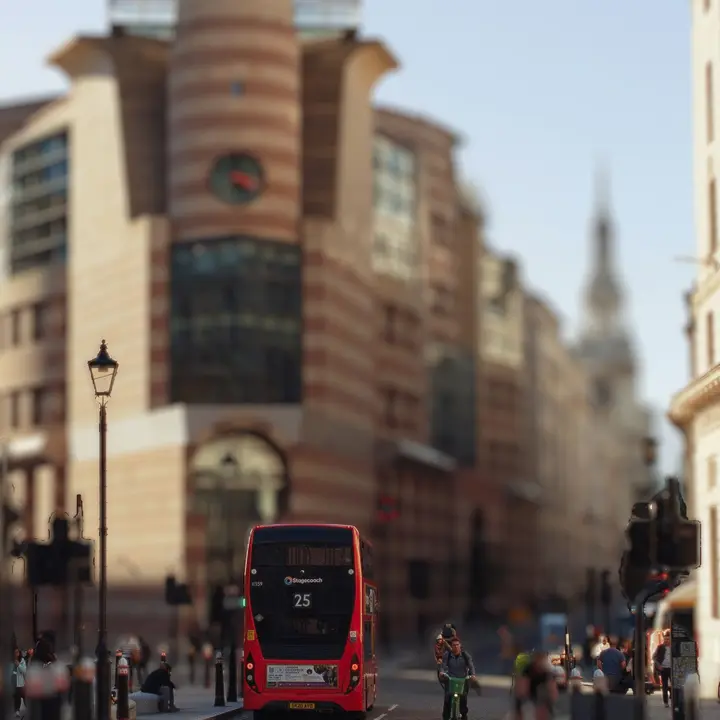
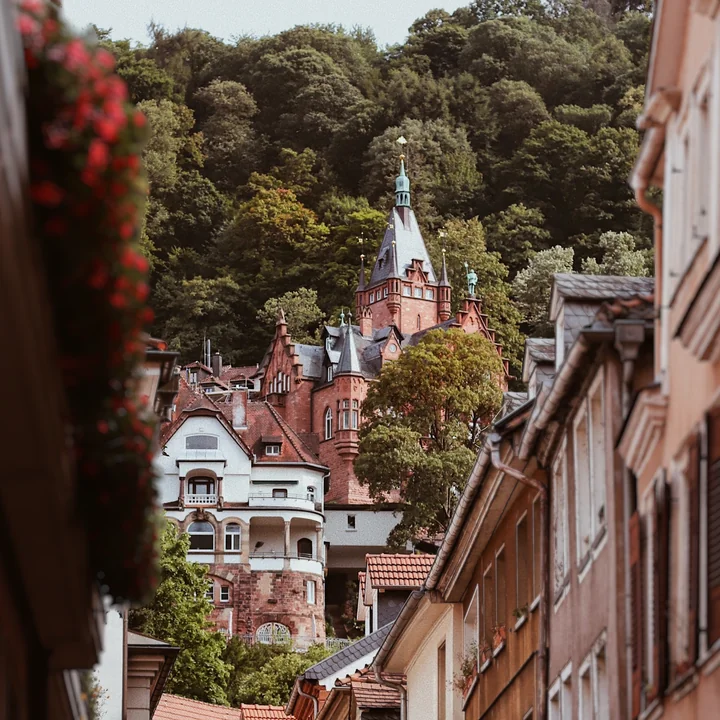
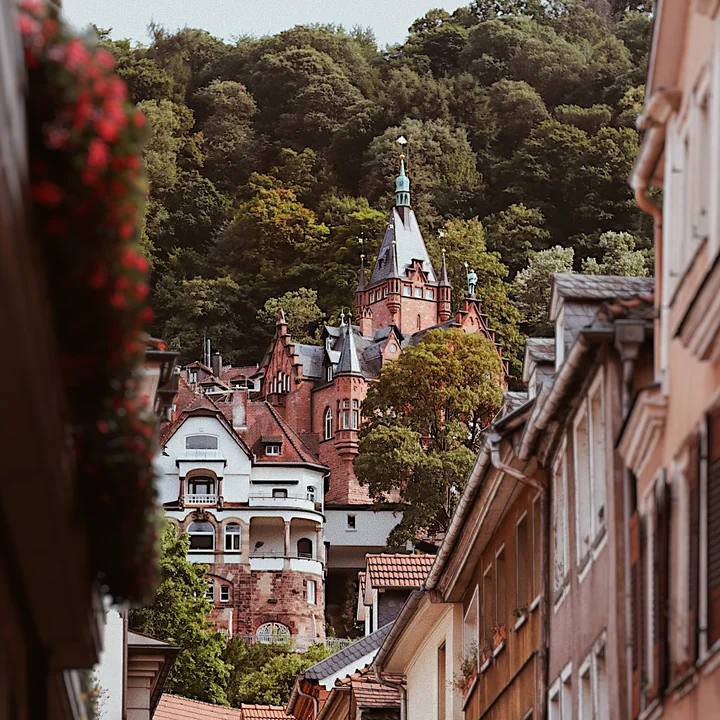
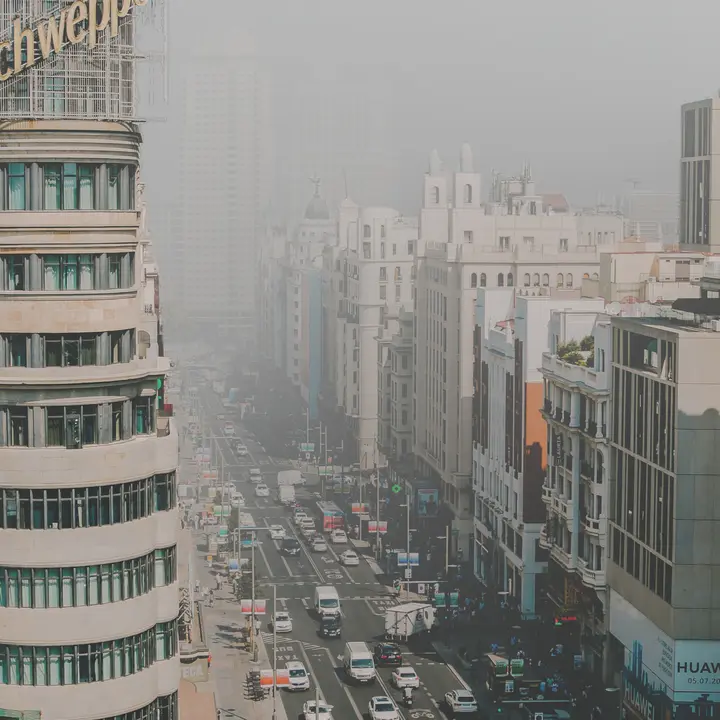
    Phone snap, DSLR shot, or old scan — Refokal reads the depth for you. No special camera or depth data required.

  2. 02

    Click to focus

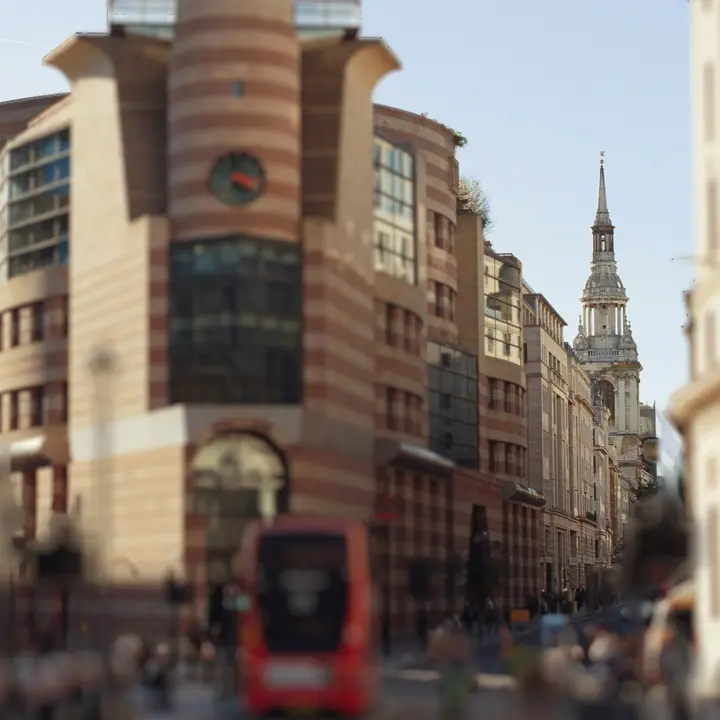
    Click anywhere to set the focal point, or drag for fine control. The depth-of-field preview updates the moment you move.

  3. 03

    Shape & export

    Pick an aperture shape, dial in the blur, refine by hand if you like, then export a clean result to PNG, JPEG, WebP, TIFF, and more.

Refokal editor with a depth-of-field screenshot

Features

One job, done right

Refokal does one thing: real, refocusable depth-of-field on any photo — from reading the depth to shaping the blur, refining by hand, and grading color by depth.

Depth from Any Photo

Refokal reads the real 3D structure of any image — powered by Depth Anything 2 — so you can refocus long after the shutter. Phones and Photoshop can’t do this.

Any photo · phone, DSLR, or scan

Click-to-Focus

Click to set the focal plane and watch the depth of field fall into place. Drag for fine control with an instant preview.

Instant preview · drag to fine-tune

Real-Lens Bokeh

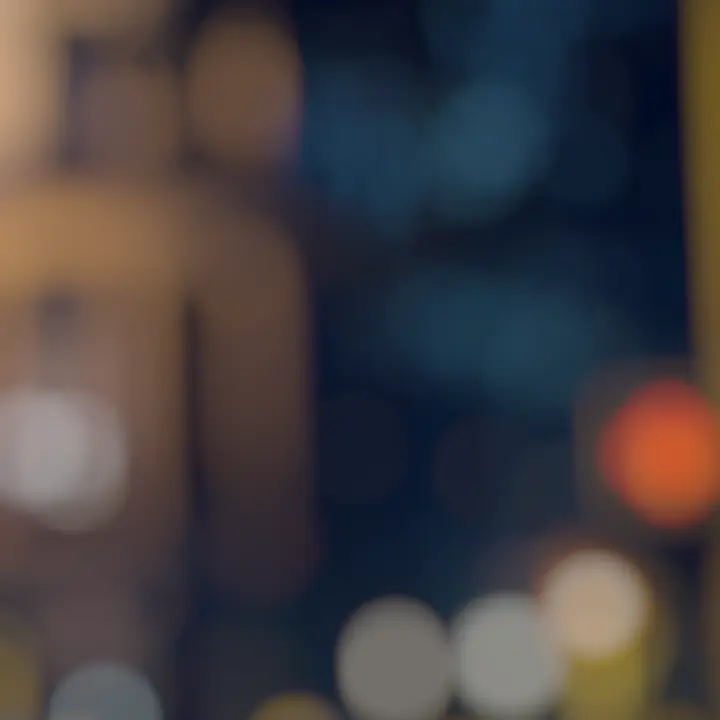
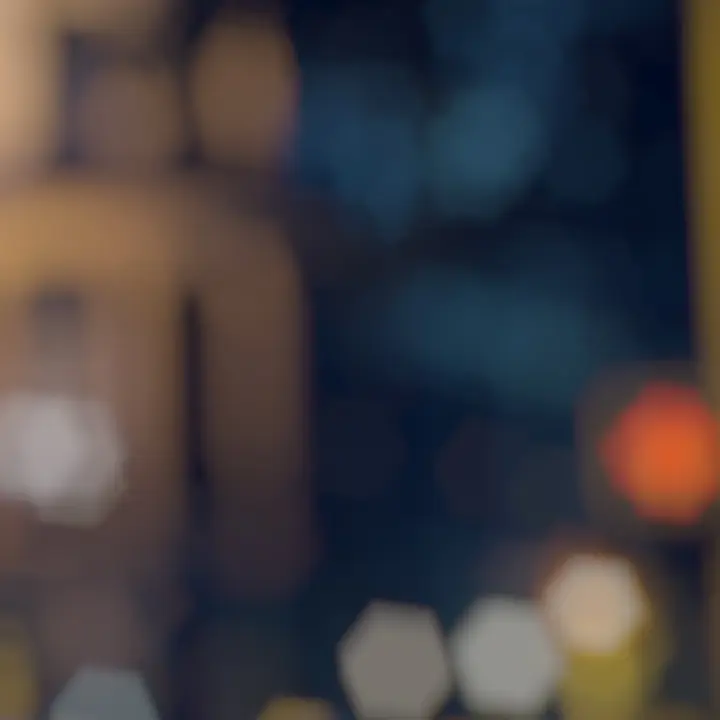
Circle and hexagon apertures with cat’s-eye optical vignetting — blur that behaves like real glass, not a blur filter. Dial in the strength and falloff for creamy backgrounds.

Circle & hexagon · cat’s-eye vignette

Refine by Hand

Brush in corrections where the depth isn't quite right, or isolate your subject in a single click.

Brush · eraser · one-click subject

Crisp Details

Bring back sharpness and fine detail exactly where you want it — unsharp mask, clarity, and AI deblur for clean results without harsh halos.

Unsharp · clarity · AI deblur

Depth-Aware Color

Grade the near, focus, and far zones independently, so your subject pops and the background falls away.

Near · Focus · Far zones

Download

Get Refokal

Refokal is in Early Access on Linux. Windows is coming soon.

Early Access Linux

Ubuntu, Debian, Fedora, Arch — any distro with Flatpak or dpkg.

Free during Early Access — exported images include a small watermark.

Requires: Vulkan driver (NVIDIA, AMD, or Intel). NVIDIA GPU recommended for CUDA acceleration — any GPU works via Vulkan fallback. Brief model download on first launch (~295 MB).

Coming Soon Windows

Windows 10/11 (64-bit). NVIDIA GPU recommended.

Be the first to know — join the mailing list below.